← Back to the library
Library

Duetto III (from the Clavierübung Part III)

Johann Sebastian Bach · BWV 804 · Baroque · level 6

1364Notes
3:52Length
38–84MIDI

About this piece

Johann Sebastian Bach
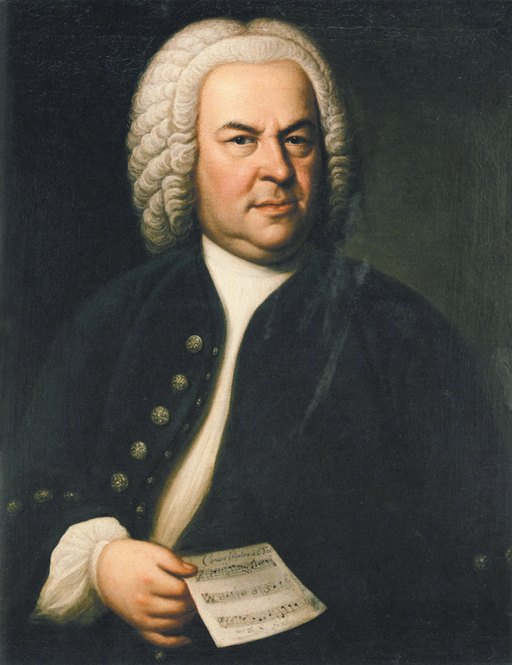
Portrait: Elias Gottlob Haussmann, Public domain (via Wikimedia Commons)

BWV 804 is the third of four keyboard pieces to which Bach gave the title Duetti; it is in G major, the others being BWV 802 in E minor, BWV 803 in F major and BWV 805 in A minor. All four appeared in the Clavier-Übung III, which Bach issued at his own expense in 1739. That collection's title page designates it for organ, and its contents include the Prelude and Fugue in E-flat major, BWV 552, together with twenty-one chorale preludes; the Duetti stand after the chorale settings. Each of the four is in three parts, which does not match the title Duetto, and none has a pedal part. The print names no dedicatee, no separate first performance is documented, and the date of composition is not established. The score used here is the Bach-Gesellschaft edition in Ernst Naumann's revision of 1890.

Where this comes from: https://en.wikipedia.org/wiki/Clavier-%C3%9Cbung_III

About this score

Composer: Johann Sebastian Bach (public domain) · Score source: https://www.mutopiaproject.org/cgibin/piece-info.cgi?id=1597

Licence: public-domain · Source

Why it is public domain: Died 1750. Public domain in China from 31 December 1800 (life + 50) and in the EU from 31 December 1820 (life + 70); the edition we copied predates 1890.

About the composer

Johann Sebastian Bach · 1685–1750

German composer and organist, the summation of Baroque music. The Inventions, the Well-Tempered Clavier preludes and the Notebook for Anna Magdalena Bach are the usual entry points for piano students.

Wikipedia entry ↗

What every control on this page does

This page is the score’s passport: what it is, where it came from, and how to start playing it.

Starting to play

Practise this piece
Opens the practice page for this piece: falling notes or turning pages, with judging and a score at the end.
Stop
The audition button turns into this while the piece is playing — it stops the playback (auditions play the first 45 seconds).
Add to my scores
Copies the score into My scores, so it follows your account and can be edited or exported.

What the numbers are

Notes
How many notes you will play if you practise it end to end.
Length
Playing time at the written tempo.
Level
Difficulty 1–8, which is also what decides the stage it sits in on the library page.

Where it came from

About this score
The attribution line: who published this edition, and who prepared it.
Licence
The licence the edition is under. Links go to the rights page, not to a paywall.
Source
The source we took the score from — Mutopia Project or an IMSLP scan.
Why it is public domain
Why we say this piece is public domain: the composer’s death year and the edition’s year.
About the composer
A short note on the composer, with the years they lived.
Wikipedia entry
Opens the composer’s Wikipedia entry in a new tab.
We have a public-domain scan of this piece but no machine-readable score yet, so it cannot be practised in the browser today. The source link above is the scan.
Shown only for scan-only pieces: we hold the scan, but there is no machine-readable score to practise yet.
Where this comes from
The source the background note was written from — a Wikipedia entry, an IMSLP page or a public-domain edition’s preface. Pieces without a source do not get a background note at all, and a note that no human has checked is not shown either.

Your record on this piece

Your record on this piece
This block reads the progress kept in this browser (the same progress the practice page writes) and never uploads it.
Best score
The highest score you have reached on this piece, out of every run so far.
Played
How many times you have played it through to the end.
Grade
The grade from your best run — S/A/B/C/D, the same scale the desktop client uses.
Last played
The date of your most recent run.
Your last {n} runs, oldest on the left (vertical axis: share of notes you got)
The line chart: each point is one run, oldest on the left, and higher means you got a larger share of the notes. With fewer than two runs there is nothing to draw.
Every run in this browser, newest first
Every run recorded in this browser, newest first, with the score and the share of notes you actually hit. The chart above shows the trend; this table shows the numbers behind it. Runs older than the last ten are not listed — only the trend line keeps the full history.